CAD, 3D Rendering & Graphic Design Software Buyer's Guide for Filipino Engineers and Creatives

- 1. Philippine AEC Outsourcing, ArchViz & Creative Studio Demands in 2026
- 2. BIM Drafting vs. Real-Time Ray-Traced Rendering (Autodesk & Lumion)
- 3. Graphic Design, Photography & UI/UX Handoff (Adobe, Figma & Corel)
- 4. 2026 CAD, 3D & Design Software Price Comparison in PHP ₱
- 5. Hardware VRAM & Project Compatibility Checklist Before Buying
- 6. Instant Dual-Network USDT Licensing for Freelancers & Design Firms
The Philippines has cemented its reputation as one of Asia-Pacific's premier talent hubs for Architectural, Engineering, and Construction (AEC) BIM modeling, photorealistic 3D architectural visualization (ArchViz), brand identity design, and SaaS UI/UX product engineering. From licensed civil engineers and architects drafting structural plans for firms in Sydney, Dubai, and Singapore to freelance digital creatives building brand campaigns in Quezon City and Cebu IT Park, having up-to-date, crash-free desktop software is non-negotiable.
However, full-price North American software bundles priced for Western corporate budgets can easily exceed ₱150,000 per year—forcing independent practitioners and thesis students into tough compromises. This 2026 technical buyer's guide breaks down the exact CAD, real-time 3D rendering, and creative suites available in Keypiko's Design & Creative catalog, complete with hardware VRAM guidelines and transparent PHP (₱) + USDT comparisons.
1. Philippine AEC Outsourcing, ArchViz & Creative Studio Demands in 2026
International design contractors and local build-and-design studios rarely work in a single file format anymore. A typical residential subdivision or condominium interior project moves through three tightly linked stages:
- 2D/3D Parametric CAD & BIM Coordination: Accurate floor plans, MEP (mechanical, electrical, plumbing) clash detection, and structural schedules in
.dwgand.rvtformats. - Real-Time Ray-Traced Visualization: Turning raw 3D geometry into sun-drenched tropical exterior renders, interior lighting studies, and 60fps client walkthrough videos before construction begins.
- Post-Production, Pitch Boards & Interactive Prototyping: Color-correcting render passes in Photoshop, laying out A3 client presentation books in InDesign, or prototyping interactive web portals in Figma.
2. BIM Drafting vs. Real-Time Ray-Traced Rendering (Autodesk & Lumion)
Choosing the right technical license depends on whether you are building academic/upskilling portfolios or rendering high-stakes client walkthroughs:
- Academic & Portfolio BIM Mastery (Autodesk Education All-Access Suite): Essential for BS Architecture, Civil Engineering, and Mechanical Engineering students as well as upskilling drafters mastering Revit BIM families, AutoCAD 2D/3D command workflows, Maya rigging, and Fusion parametric parts. Be sure to respect academic non-commercial licensing boundaries for educational builds while sharpening speed for international BIM tests.
- Photorealistic Architectural Walkthroughs (Lumion Pro Real-Time Ray-Traced Rendering Key): Instead of waiting four hours per frame on legacy CPU path tracers, Lumion Pro leverages hardware ray tracing to render glass reflections, volumetric tropical sunlight, rain-slicked concrete materials, and thousands of scatter trees in minutes—syncing live with Revit, SketchUp, and AutoCAD models.
3. Graphic Design, Photography & UI/UX Handoff (Adobe, Figma & Corel)
For graphic artists, agency art directors, and SaaS product designers, Keypiko separates creative suites by specialization so you never pay for twenty apps when you only need two:
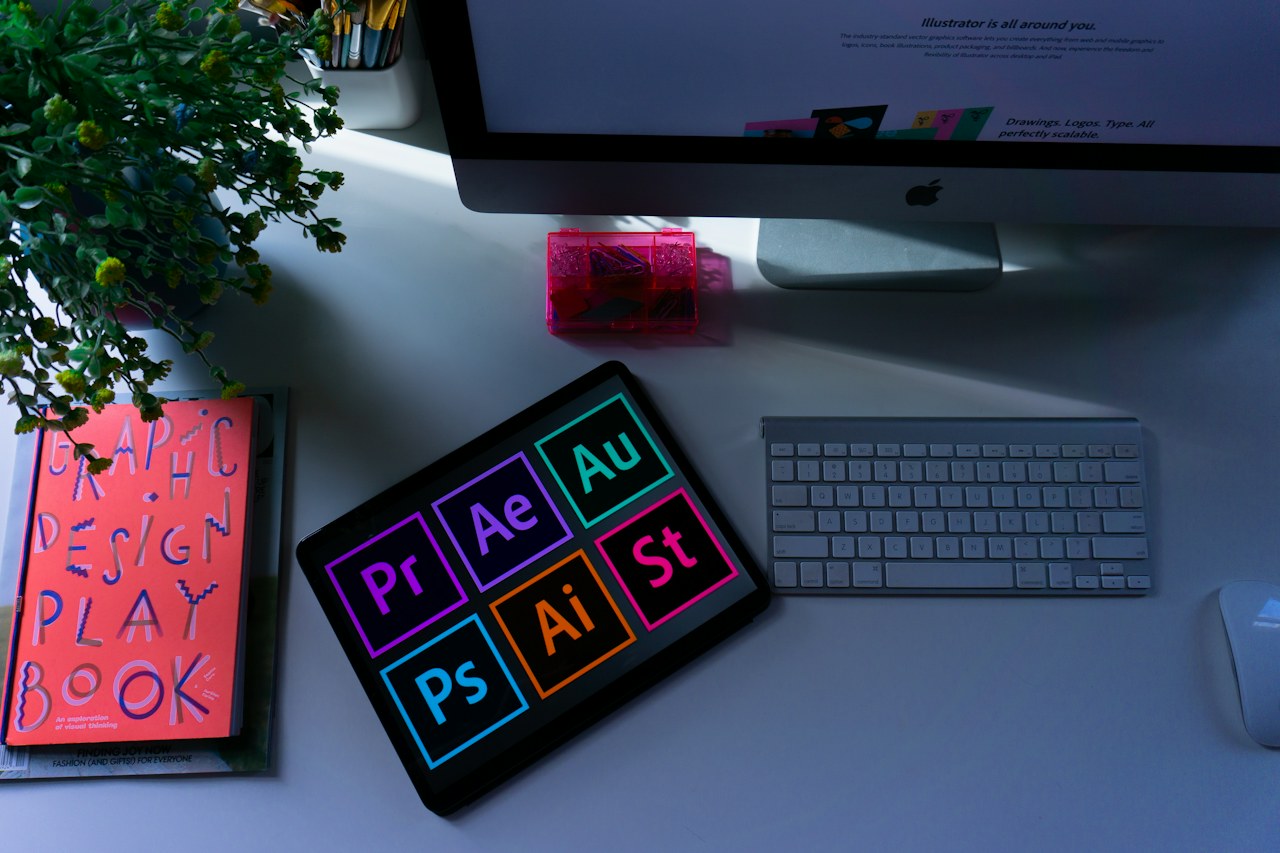
- Full-Spectrum Agency Creative (Adobe Creative Cloud All Apps Direct Upgrade): Unlocks 20+ desktop and iPad apps—including Photoshop, Illustrator, InDesign, Premiere Pro, After Effects, and Adobe Firefly generative credits—directly on your personal account. Photographers and ArchViz retouchers who only need RAW grading and sky/lighting compositing can save nearly 45% with the Adobe Photography Plan Direct Upgrade.
- Product UI/UX & Developer Handoff (Figma Professional / Edu Plan): Unlocks unlimited multi-page design systems, variable tokens, interactive prototypes, and Dev Mode inspection. Front-end freelancers converting UI mockups into clean React or Tailwind code frequently pair Figma with Anima Pro or rapid AI wireframing via UX Pilot AI Pro.
- Perpetual Illustration & RAW Alternatives: Artists who prefer one-time license keys without recurring monthly renewals can opt for Corel Painter Digital Art Studio Key, Corel AfterShot Pro 3, or Krea AI Pro for real-time AI texture upscaling.
4. 2026 CAD, 3D & Design Software Price Comparison in PHP ₱
Review the side-by-side comparison below covering PHP reference pricing, exact USDT settlement amounts, and fulfillment modes on Keypiko:
| Software Suite / Key | Primary Discipline | Fulfillment Method | PHP Reference Price | USDT Price |
|---|---|---|---|---|
| Autodesk Education All-Access Suite | AutoCAD, Revit BIM, Maya & Fusion Skill Mastery | Direct Account Access | ₱2,049 | 35.33 USDT |
| Lumion Pro 3D Rendering Key | Real-Time Ray-Traced Exterior & Interior ArchViz | Verified License Key | ₱2,199 | 37.91 USDT |
| Adobe Creative Cloud All Apps | Photoshop, Illustrator, InDesign, Premiere & AE | Direct Account Upgrade | ₱809 | 13.95 USDT |
| Adobe Photography Plan | Photoshop + Lightroom Classic RAW Retouching | Direct Account Upgrade | ₱459 | 7.91 USDT |
| Figma Professional / Edu Plan | UI/UX Design Systems, FigJam & Dev Mode | 6–12 Month Account Plan | ₱739 | 12.74 USDT |
| Corel Painter Studio (PC & Mac) | Natural-Media Concept Art & Illustration | Perpetual License Key | ₱669 | 11.53 USDT |
5. Hardware VRAM & Project Compatibility Checklist Before Buying
Before installing heavy 3D or creative suites on your laptop or desktop tower, run through this four-point readiness checklist:
- Install NVIDIA Studio Drivers (Not Game Ready Drivers): Studio drivers undergo extensive stability testing against Revit, Lumion, Premiere Pro, and Photoshop GPU acceleration, preventing mid-deadline CUDA crashes.
- Dedicate a Fast NVMe Scratch Disk: Keep at least 150GB free on a secondary PCIe Gen4 SSD for Photoshop scratch files, After Effects disk cache, and Lumion texture libraries.
- Lock Down DWG & Revit Version Years Early: Revit
.rvtfiles are not backward-compatible (Revit 2026 saves cannot open natively in Revit 2024). Confirm the exact release year with your lead architect or thesis adviser on day one. - Back Up Active Plates to Cloud Storage: Sync daily
.dwgand.psdmilestones to Cloud Storage so power surges or SSD failures never wipe weeks of drafting.
Recommended Philippine Workstation Hardware Tiers for CAD & ArchViz
Matching your software license to local PC build budgets in Gilmore, Cebu, or online custom builders ensures smooth viewport frame rates without overspending on unnecessary workstation parts:
- Entry CAD & 2D/UI Tier (₱42,000–₱55,000 Laptop/Desktop): A 6-to-8-core Ryzen 5 or Core i5 processor paired with 16GB DDR5 RAM and an RTX 3050 / RTX 4050 (6GB VRAM) handles AutoCAD 2D drafting, Figma Professional multi-page UI systems, and Photoshop + Lightroom RAW retouching effortlessly.
- Mid-Range BIM & Residential ArchViz Tier (₱68,000–₱95,000 Desktop): Step up to 32GB RAM (critical once Revit models and Chrome reference tabs run together) plus an NVIDIA RTX 4060 Ti 16GB or RTX 4070 Super 12GB to unlock smooth real-time lighting previews inside Lumion Pro and multi-layer After Effects comps inside Adobe Creative Cloud All Apps.
- Commercial Masterplan & 4K Animation Tier (₱120,000+): Pair 64GB DDR5 RAM, dual 2TB NVMe Gen4 SSDs, an RTX 4070 Ti Super / RTX 4080 Super (16GB VRAM), and a pure-sine-wave UPS battery backup so sudden Meralco or provincial brownouts never corrupt multi-gigabyte render caches.
6. Instant Dual-Network USDT Licensing for Freelancers & Design Firms
Keypiko is an independent digital software guide and catalog (not an affiliated partner or authorized corporate reseller of Autodesk, Adobe, or Figma; all trademarks are referenced under nominative fair use). Checkout is powered by instant on-chain Dual-Network USDT (BEP20 & TRC20) verification—letting Filipino architects, engineers, and studio leads toggle effortlessly between BNB Smart Chain and TRON QR codes, verify transactions automatically within seconds, and start rendering right away.